v1.0.6
KREL POS for Android
For your Android phone or tablet.
APK installerBluetooth printingOffline billing
File integrity · SHA-256
Download KREL POS for your device, follow the setup steps, and get your business ready for its next customer.

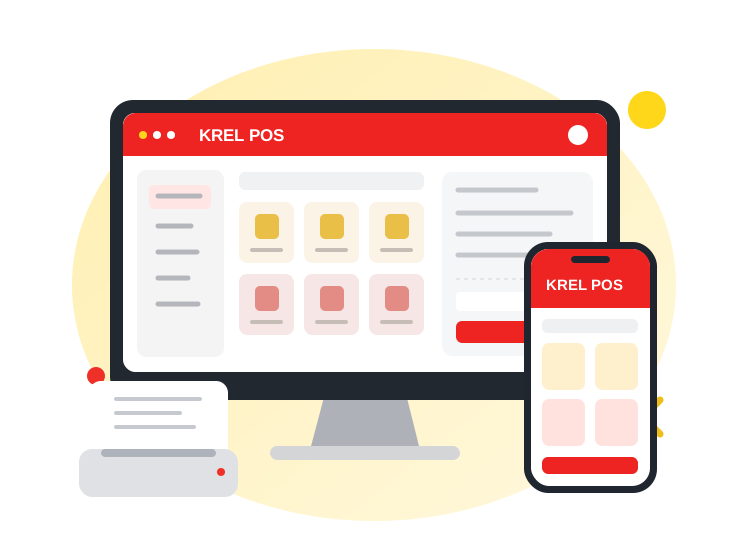 Device illustration · Not an app screenshot
For your Android phone or tablet.
YouTube walkthroughs will appear here when the guides are available. For now, use the setup steps above.
For activation support, use the contact details on your activation sheet.
Visit KREL Technologies ↗Check the activation sheet provided with your purchase. If your device code is needed to issue a licence, send it to KREL support using the contact details on that sheet.
Activation takes place inside your KREL POS app. This website provides the installers and setup guides. Follow the instructions on your activation sheet.
Back up your existing business data and keep the backup somewhere safe. If you are unsure about updating or moving to a new device, contact KREL support before continuing.
Keep this page open, check your connection and available storage, and try the download again. Your browser may ask where to save the installer. Completed downloads are checked against the original file before they are saved.